
01
Generates a synchronized procedural timeline within minutes of surgery.
Veterinary Surgical Documentation System
Synchronized recordings, procedural timelines, and structured reports. Generated locally and ready within minutes of surgery.
Three simple stages

01
Record
Captures the full procedure locally: audio, video, and transcript from preparation through closure.
02
Synchronize
Intervals align with the recording. Each segment is independently navigable and reviewable.
03
Deliver
Timeline, report, and export package are generated and ready within minutes of surgery.
Each export package is stamped: Generated by Vetucate
01
Generates a synchronized procedural timeline within minutes of surgery.
02
Records audio, video, and transcript into a single navigable record.
03
Captures the full procedure, preparation through closure.
04
Processes locally. No upload. No external dependency.
05
Produces a structured report, synchronized recording, session manifest, and export package.
06
Supplements operative notes without replacing clinical judgment.
Not appointment software · Not diagnostic · Not autonomous · Not cloud-based
After surgery ends, rebuilding what happened takes time. Vetucate reduces that burden. Synchronized audio, video, and transcript, available for review within minutes of surgery.
During Surgery
Minimal interface. The system records in the background without interrupting the surgical team.
After Surgery
Timeline, report, and recording are ready within minutes. The surgeon reviews and approves the record on-device before export is permitted.
Always
All outputs remain in the clinic. Nothing leaves the practice unless the clinician approves and initiates the export.
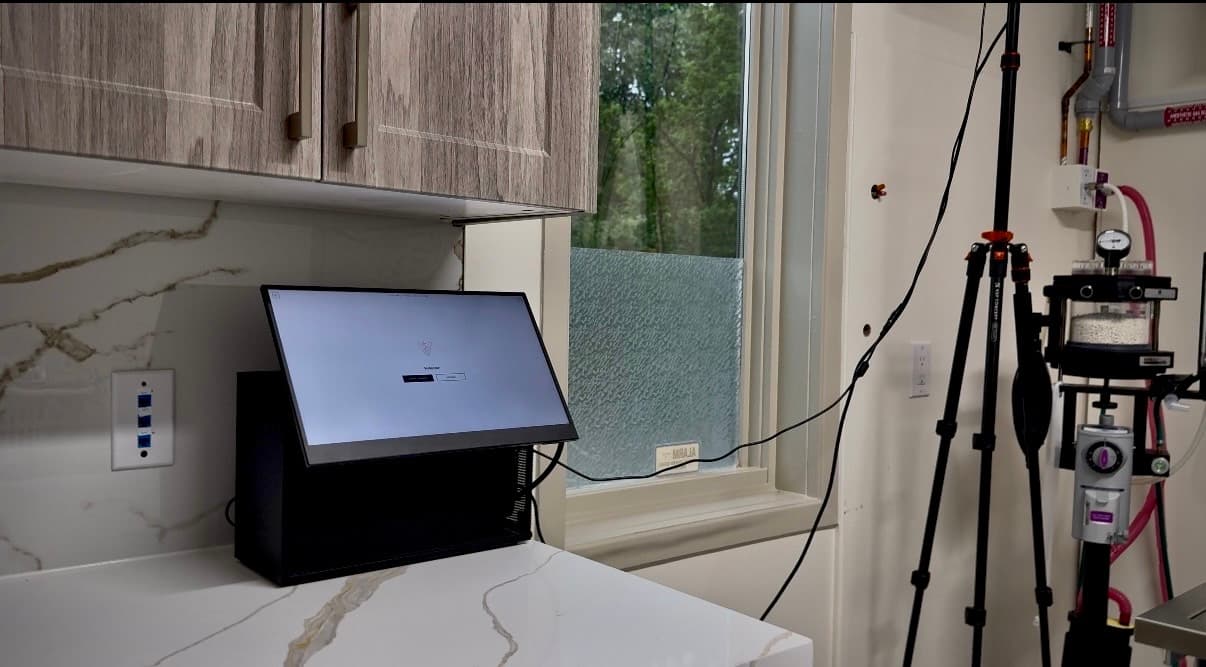
System
Review the appliance: hardware, workflow, and what the system produces.
Performance
Procedure duration versus processing time across single and dual camera configurations.
Contact
Connect directly about workflow fit, system configuration, and deployment.